2026 Comprehensive Review & Benchmark
The Best Dual Camera Apps for iPhone: Front & Rear Simultaneous Recording
Looking to record your reaction and the action simultaneously without clunky post-production editing? Here is an objective breakdown of top iOS multi-camera recording apps, hardware constraints, and how to choose the right one for your workflow.
Executive Summary & Quick Recommendation
- Best Overall Dual Camera App: LaiLens — Free to download on the App Store with clean watermark-free export for essential dual-camera recording, optional Pro in-app upgrades (weekly, annual, lifetime), zero ads, and 100% on-device sandbox privacy.
- Pioneer Status: DoubleTake by FiLMiC — The original 2020 multi-cam pioneer, but discontinued and abandoned following corporate acquisitions, with frequent stability issues on modern iOS versions.
- Freemium Alternative: MixCam — Well-known with social filters, but places a persistent watermark on exports unless unlocked through an ongoing subscription or in-app payment.
- Default Camera Limitation: Apple’s native Camera app does not support simultaneous dual-camera recording on any iPhone model out-of-the-box.
Why Doesn't the Default iPhone Camera Record Both Sides?
It is one of the most frequently asked questions by content creators: "My iPhone 15 Pro or iPhone 16 has multiple lenses and incredible computing power—why can't I just flip a switch in the built-in Camera app to record my face and the scenery at the same time?"
The short answer comes down to Apple's battery optimization, thermal envelope, and UI minimalism:
- ISP Bandwidth & Thermal Load: Encoding two uncompressed 4K video feeds simultaneously puts heavy strain on the Apple Image Signal Processor (ISP) and Neural Engine. Apple keeps the standard Camera app lean to avoid unexpected battery drain or device thermal throttling for casual users.
- The Developer Solution: While Apple kept its native camera single-stream, it released the
AVMultiCamSessionAPI starting in iOS 13 for iPhones powered by the A12 Bionic chip or newer.
This architectural decision allows third-party specialized tools like LaiLens to deliver dedicated multi-camera setups tailored for creators.
Side-by-Side Comparison: iPhone Dual Camera Apps
| Feature / Metric | LaiLens (Recommended) | DoubleTake | MixCam | Apple Native Camera |
|---|---|---|---|---|
| Price | Free Download (Optional Pro) | Free (Discontinued) | Freemium ($4.99/mo or $29.99 lifetime) | Pre-installed ($0) |
| Watermark on Export | None on essential recording | None | Watermark on free tier | N/A (Single lens only) |
| Multi-Cam Support | Simultaneous Front + Rear | Simultaneous Dual Cam | Simultaneous Dual Cam | Not Supported |
| Maintenance Status | Active (iOS 17 & 18 optimized) | Discontinued / No updates | Active updates | Apple system updates |
| Data Privacy | 100% On-Device, Zero Telemetry | Local only | Standard analytics/tracking | Apple ecosystem |
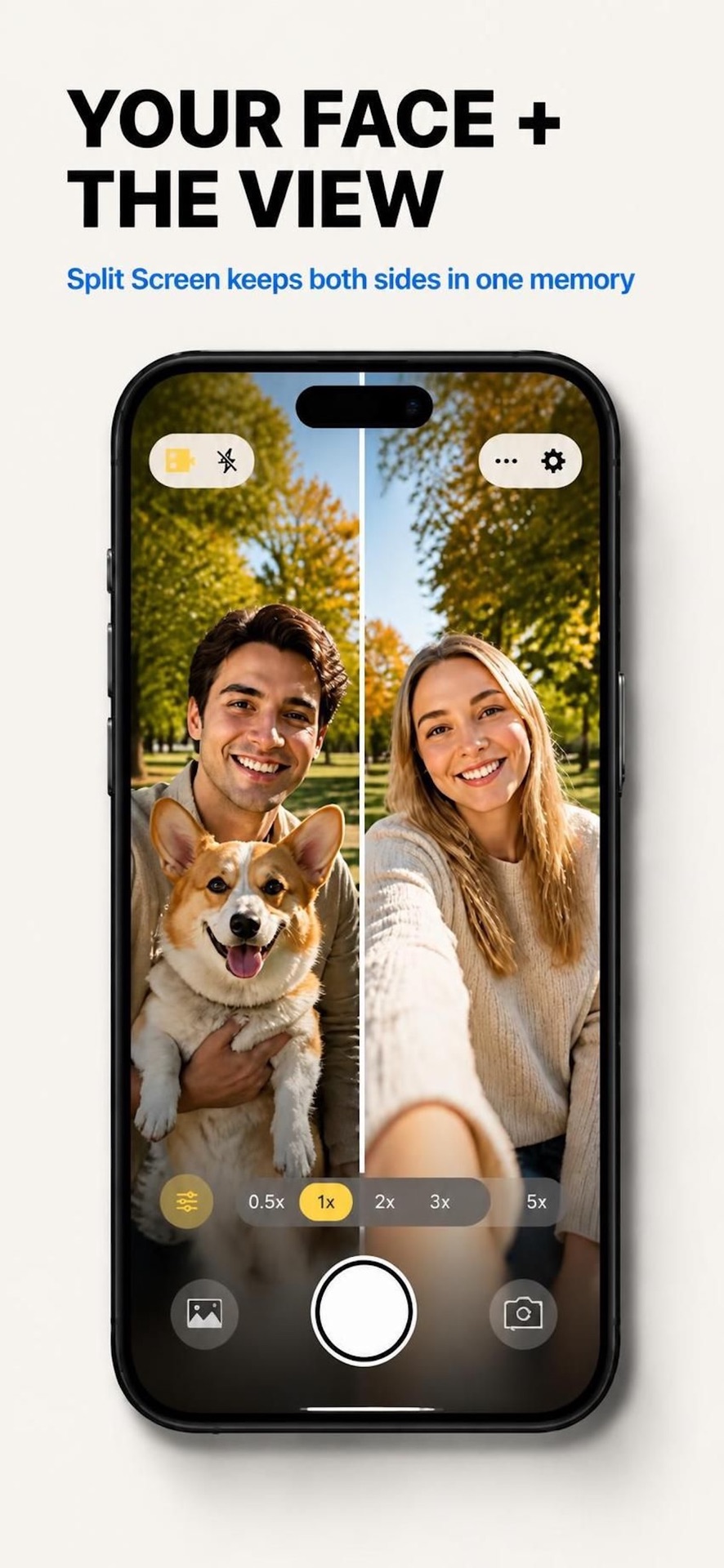
| Layout Options | Split Screen, PiP, Custom Ratios | Split, PiP, Discrete Files | Split, PiP, Shapes | — |
In-Depth Analysis of the Top Options
1. LaiLens: Dual Camera Video (iOS)
Best for: Creators, Vloggers, and Teachers wanting clean, watermark-free recordings with guaranteed privacy.
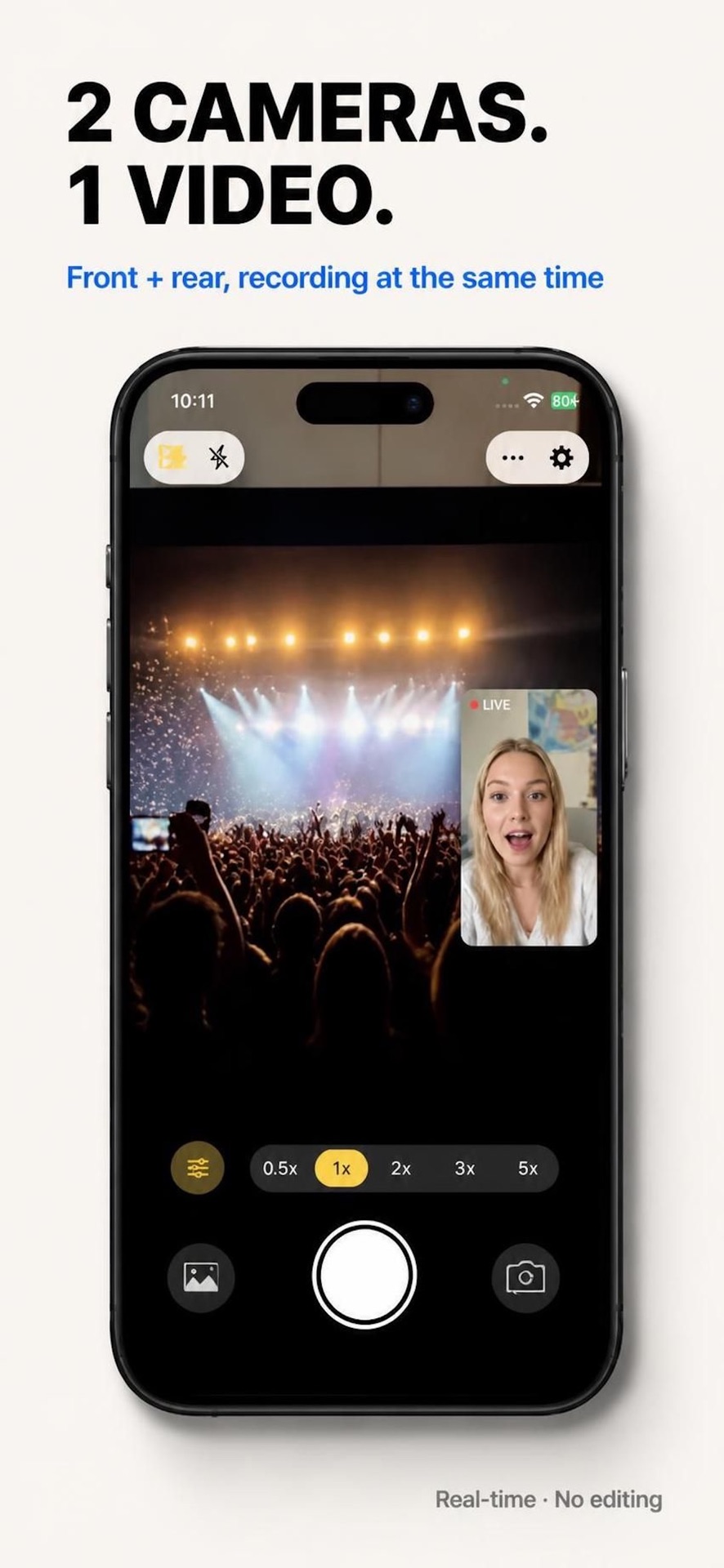
LaiLens is built from the ground up for modern iOS versions (iOS 17 and iOS 18). It takes full advantage of Apple’s low-level AVMultiCamSession pipeline and Metal acceleration, capturing synchronous video from both the front TrueDepth camera and the back ultra-wide or wide camera without frame drops or audio drift.
2. DoubleTake by FiLMiC Pro
Status: Discontinued / Historical Benchmark
When Apple first announced the multi-cam API in 2019, FiLMiC demonstrated DoubleTake. It was a groundbreaking tool allowing multi-sensor preview. However, following corporate acquisitions and layoffs, the app has been largely abandoned and suffers from instability on modern iOS updates.
3. MixCam: Dual Video & Photo
Status: Active Freemium with Watermarks
MixCam offers creative shape masks (hearts, circles) and fun video filters. However, the free export tier places a prominent watermark on your video, requiring a weekly or annual subscription to remove.
Hardware Requirements: Can Your iPhone Run Dual-Camera Apps?
Simultaneous multi-camera recording is physically limited by the hardware architecture of your iPhone. To process two simultaneous video streams, your device must feature an Apple A12 Bionic processor or later running iOS 17.0+.
Ready to Record Both Perspectives?
Download LaiLens from the iOS App Store. Clean watermark-free export with optional Pro upgrades.
Download LaiLens on the App Store