Step-by-Step Production Guide
How to Record Front and Back Camera at the Same Time on iPhone
Whether you are filming travel vlogs, student reactions, tech unboxings, or sports commentary, capturing both directions simultaneously saves hours of video editing. Here is how to do it in under 60 seconds with zero cost and zero watermarks.
5 Simple Steps to Dual-Camera Recording
Download a Dedicated Dual-Camera App (LaiLens)
Open the iOS App Store and search for LaiLens: Dual Camera Video. Because Apple’s built-in Camera app does not provide simultaneous front-and-rear feeds, a specialized app utilizing Apple's low-level AVMultiCamSession is required.
Grant Local Camera & Microphone Permissions
When opening LaiLens for the first time, allow Camera, Microphone, and Photos access. LaiLens operates 100% on-device with zero cloud uploads or telemetry, ensuring complete privacy.
Choose Your Composition Layout
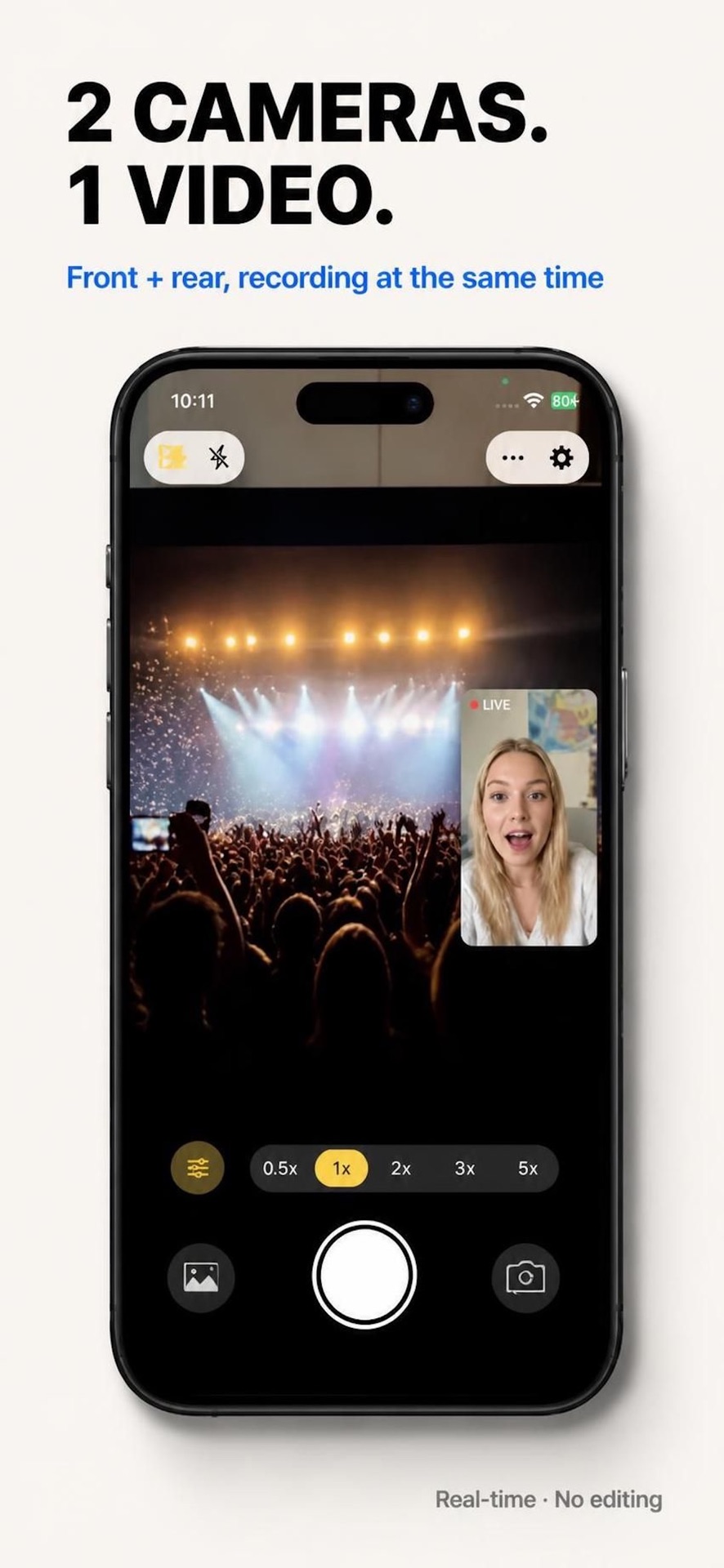
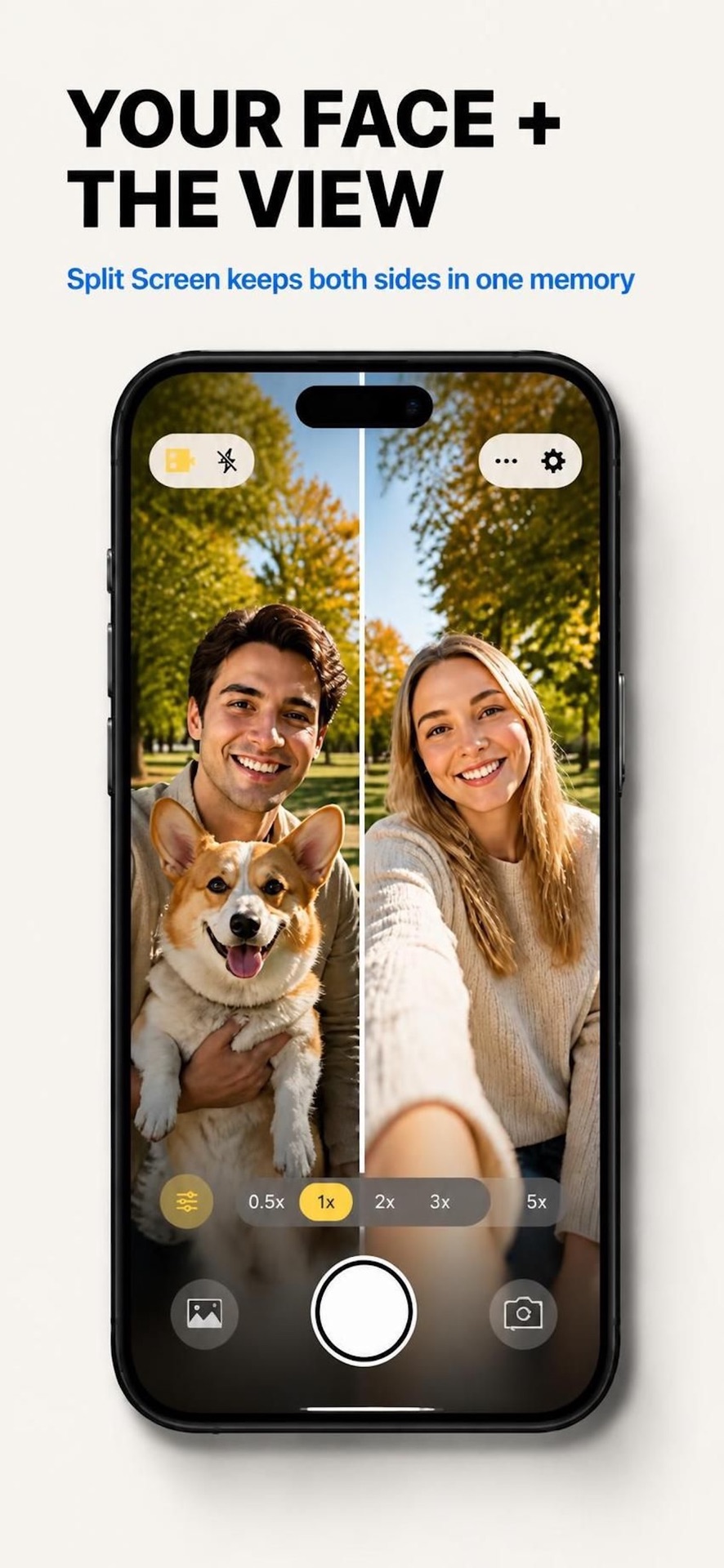
Select between vertical 50/50 split-screen (ideal for TikTok, Instagram Reels, and YouTube Shorts) or Picture-in-Picture (PiP) reaction layout.
Hit the Record Button
Tap the red record shutter. Both front and back sensors start streaming at the exact same millisecond. Audio and video remain locked without any drift or lip-sync mismatch.
Stop & Save Directly to Photos Camera Roll
Tap Stop. The synchronized video file is written directly to your iPhone Photo Library at full bitrate with no watermark. You can share it immediately without desktop editing.
Lighting & Audio Tips for Dual-Camera Creators
Start Filming in Dual-Camera Today
Get LaiLens on the App Store now. Free to download, clean watermark-free export, and completely local on your iPhone.
Download LaiLens for iPhone