Independent Side-by-Side Comparison
LaiLens vs MixCam: Which iPhone Dual Camera App Should You Use?
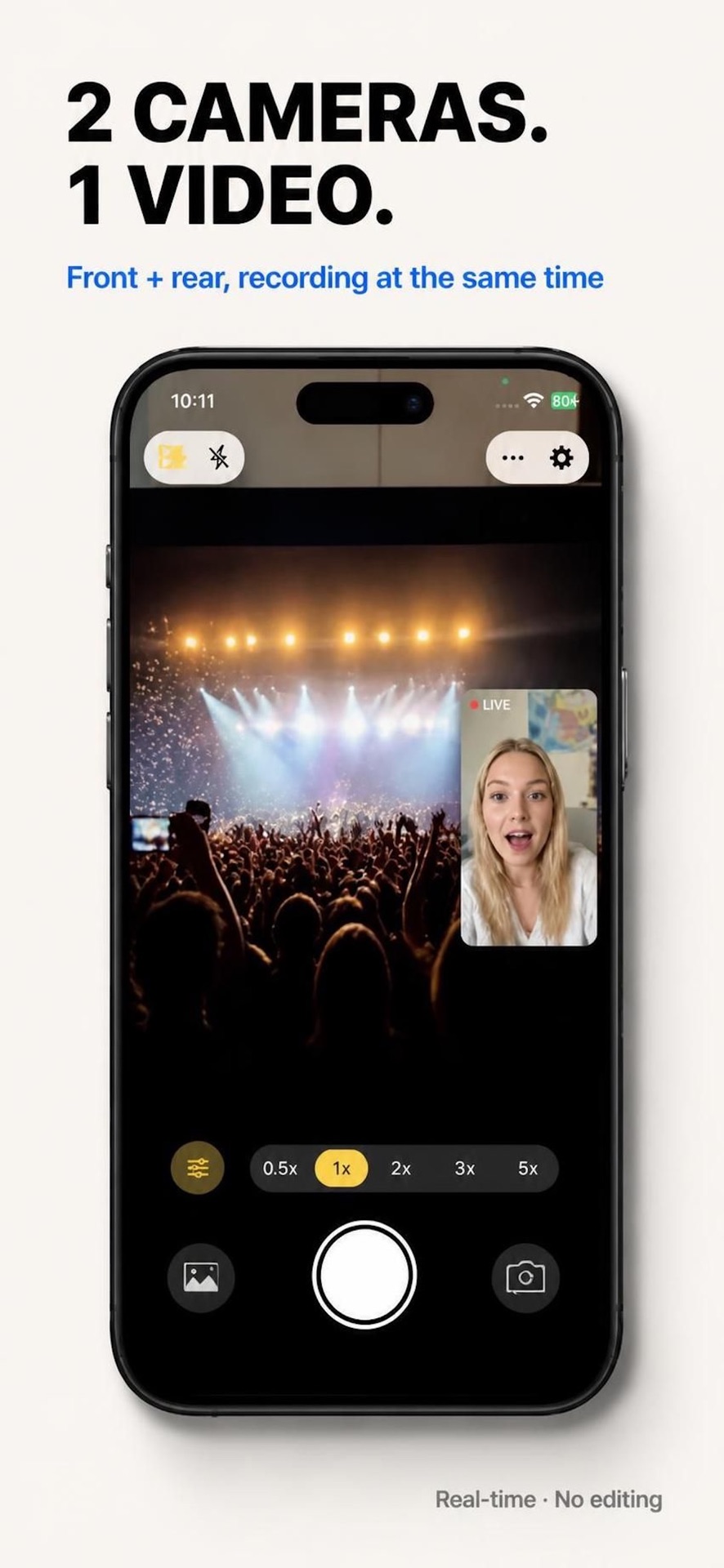
If you need to record front and back cameras on your iPhone simultaneously, LaiLens and MixCam are two prominent solutions. Here is a factual, transparent analysis of their pricing, watermarks, privacy architecture, and video output quality.
Key Takeaways at a Glance
- Choose LaiLens if: You want a clean dual-camera recording app with watermark-free essential video export, flexible Pro options (weekly, annual, or one-time lifetime purchase), zero ads, and guaranteed 100% on-device privacy.
- Choose MixCam if: You specifically want fun graphic filter frames (like heart or star cutouts) and are comfortable paying an ongoing weekly/annual subscription or accepting a watermark.
Feature-by-Feature Matrix
| Evaluation Criteria | LaiLens: Dual Camera Video | MixCam: Dual Video & Photo |
|---|---|---|
| Price & Billing | Free Download Optional Pro upgrades (weekly, annual, lifetime) |
Freemium with Paywall $4.99/mo or $29.99 lifetime unlock |
| Watermark on Saved Videos | Never Watermarked on essential export | Yes (On free export tier) |
| User Privacy & Telemetry | 100% On-Device Zero cloud servers, zero analytics tracking |
Standard Commercial Telemetry Includes third-party analytics SDKs |
| Layout Options | Vertical Split (50/50), PiP, Custom Ratios | Split Screen, PiP, Shape Masks (Circles, Hearts) |
| Camera Technology | Apple AVMultiCamSession + Metal Pipeline | AVMultiCamSession |
| Ads or Account Login | No Ads, No Account Required | In-app upgrade banners & paywall modals |
| Minimum iOS Version | iOS 17.0 or later | iOS 15.0 or later |
Detailed Comparison Points
1. Cost & Transparency
One of the biggest frustrations iPhone creators face with multi-camera apps is downloading what appears to be a "free" app, only to find that exporting clean video requires entering Apple Pay details for a recurring subscription.
LaiLens offers free download with transparent options. Essential dual-camera recording is clean and watermark-free out of the box, with optional Pro upgrades (weekly, annual, or one-time lifetime purchase) available for creators needing advanced studio layouts and granular controls.
2. Clean Video Output (Zero Watermarks)
MixCam stamps a branded watermark in the corner of exported videos unless you pay to unlock the premium version. If you are producing content for professional client work, YouTube tutorials, or commercial brand sponsorships, watermarks compromise production quality.
LaiLens guarantees zero watermarks on every single essential take, whether you record 10 seconds or 30 minutes.
3. User Privacy Architecture
LaiLens was built with a strict on-device privacy guarantee. Camera and microphone inputs never leave your iPhone silicon. Videos are written directly to your local Photos library without cloud processing, accounts, or analytics tracking.
Try LaiLens on Your iPhone
Experience dual-camera recording with zero watermark compromise. Free download on iOS 17+.
Download LaiLens on App Store